 Tech Blog
From a Creative Brief to AI Images, Video and 3D: A Practical Workflow
A practical way to plan a small AI creative project: define the deliverable, compare models with a consistent brief, review results, and keep a record of costs and permissions.
An AI creative project is easier to manage when the brief comes before the prompt. A collection of attractive outputs is not the same as a finished asset. The useful question is what the asset must communicate, where it will appear, and what a reviewer needs to approve.
Start with one deliverable
Write a short brief with the audience, subject, composition, format and intended use. A product concept image, a short video scene and a 3D prototype are different deliverables, even if they begin with the same idea. For an image, define the framing and the important objects. For video, add the intended action and camera movement. For 3D, identify whether the immediate goal is a visual concept or an asset that needs further technical cleanup.
Separate requirements from preferences. Required details might include a readable product silhouette or an uncluttered background. Preferences could include a color palette or a lighting style. This makes it easier to judge the output without changing the brief every time a new result looks interesting.
Compare models without changing everything
A small comparison is more useful than an uncontrolled series of prompts. Keep the main brief consistent and change one part of the process at a time. If you compare two models, record which model produced each result. If you alter the wording, keep the earlier version so you can tell whether the improvement came from the model or the prompt.
Do not assume that a model which works well for a still image will be the right choice for a moving scene or a 3D object. Review the actual deliverable. For images, look at composition, unwanted text and inconsistent details. For video, watch the whole clip and check whether the requested action remains coherent. For 3D, inspect the asset from more than one angle rather than relying on a single preview.
Review before moving to the next medium
When a project uses an image as a reference for another generation step, review that image first. Reusing a flawed reference can carry the same problem into the next stage. Keep the concept stage separate from the final production stage: a promising 3D prototype may still need mesh, texture or other cleanup before it suits a particular workflow.
Use only source material you are entitled to upload. Avoid placing private customer information or confidential design material into a service without checking the relevant terms and permissions. Before commercial publication, review the specific service terms, the output itself, and any necessary permissions. A generated result should not be treated as a guarantee that every intended use is appropriate.
Keep a simple production record
For each candidate, note the prompt, model, date, relevant settings, source material and generation cost. Save the selected output separately from experiments. This gives collaborators a usable handoff and makes later revisions less dependent on memory.
Trial credits can help with a first experiment, but they should not be mistaken for an unlimited free production budget. Check the current credit cost before generating a longer clip or another group of variants, and decide in advance how many comparisons are enough for the brief.
A multi-model workspace example
ChinaAI brings AI image, video and 3D generation options into a browser workspace with English and Chinese interfaces. It supports workflows such as text-to-image, text-to-video, image-to-video and 3D model generation. Signup trial credits are available, while continuing use is supported by paid plans starting at $9.99 per month. Model availability, settings and credit requirements should be checked in the product before starting a task.
The purpose of a shared workspace is not to remove human review. It is to make model selection and iteration easier to organize. Define a small deliverable, compare a limited set of outputs, review carefully, and keep the information needed to repeat the process.
Learn more about the workspace:
Related Articles
View All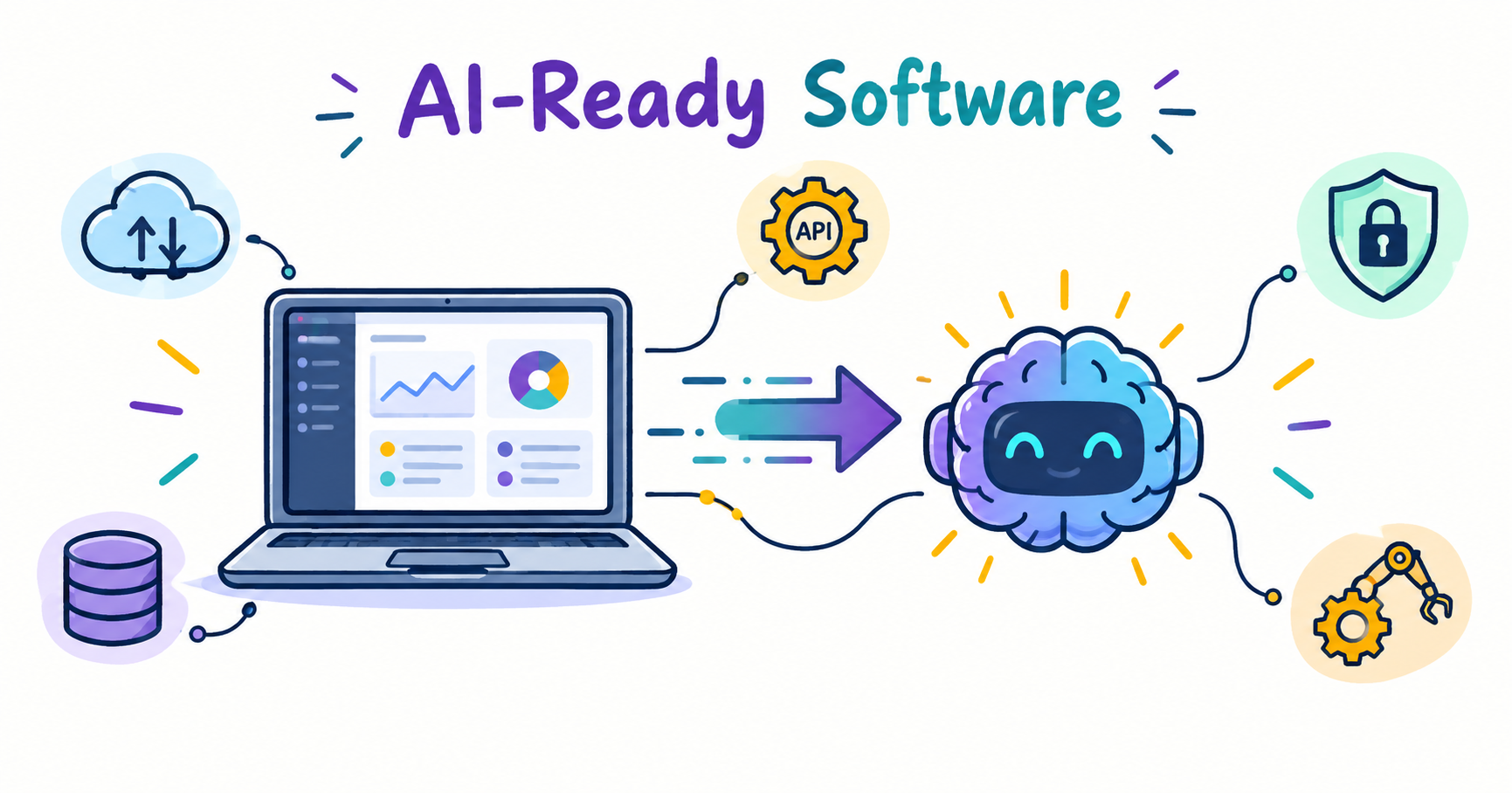 Tech Blog
How to Build AI-Ready Software Without Rebuilding Your Exist...
Businesses do not always need to rebuild their existing software to benefit from...
 Tech Blog
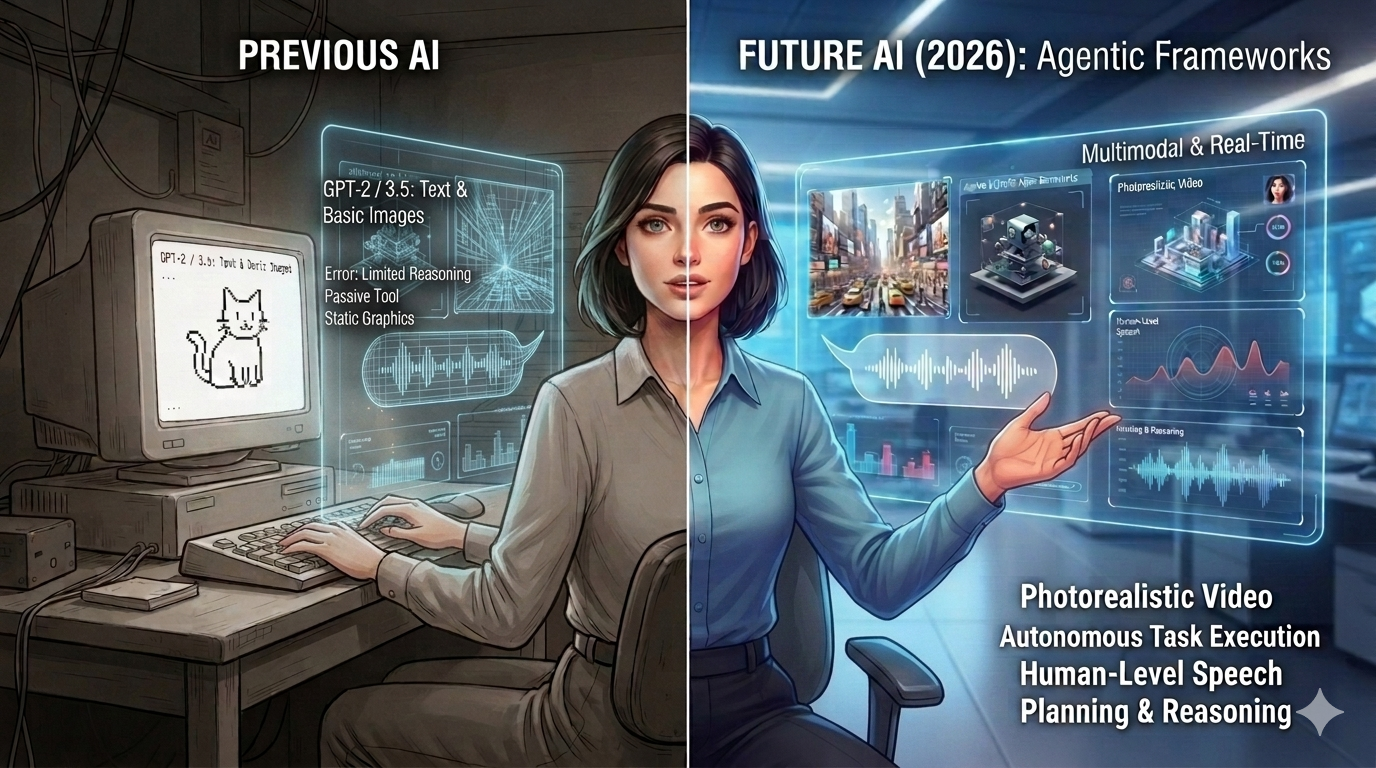
Future of AI: Base State 2026
AI in 2026 is a different beast from what it was just a year ago. Image generati...
 Tech Blog
Why Python Is the Most Used Language in the AI Industry
Python's rise to becoming the language of AI wasn't accidental luck it was the n...
0 Comments
Leave a Comment
No comments yet — be the first to share your thoughts!